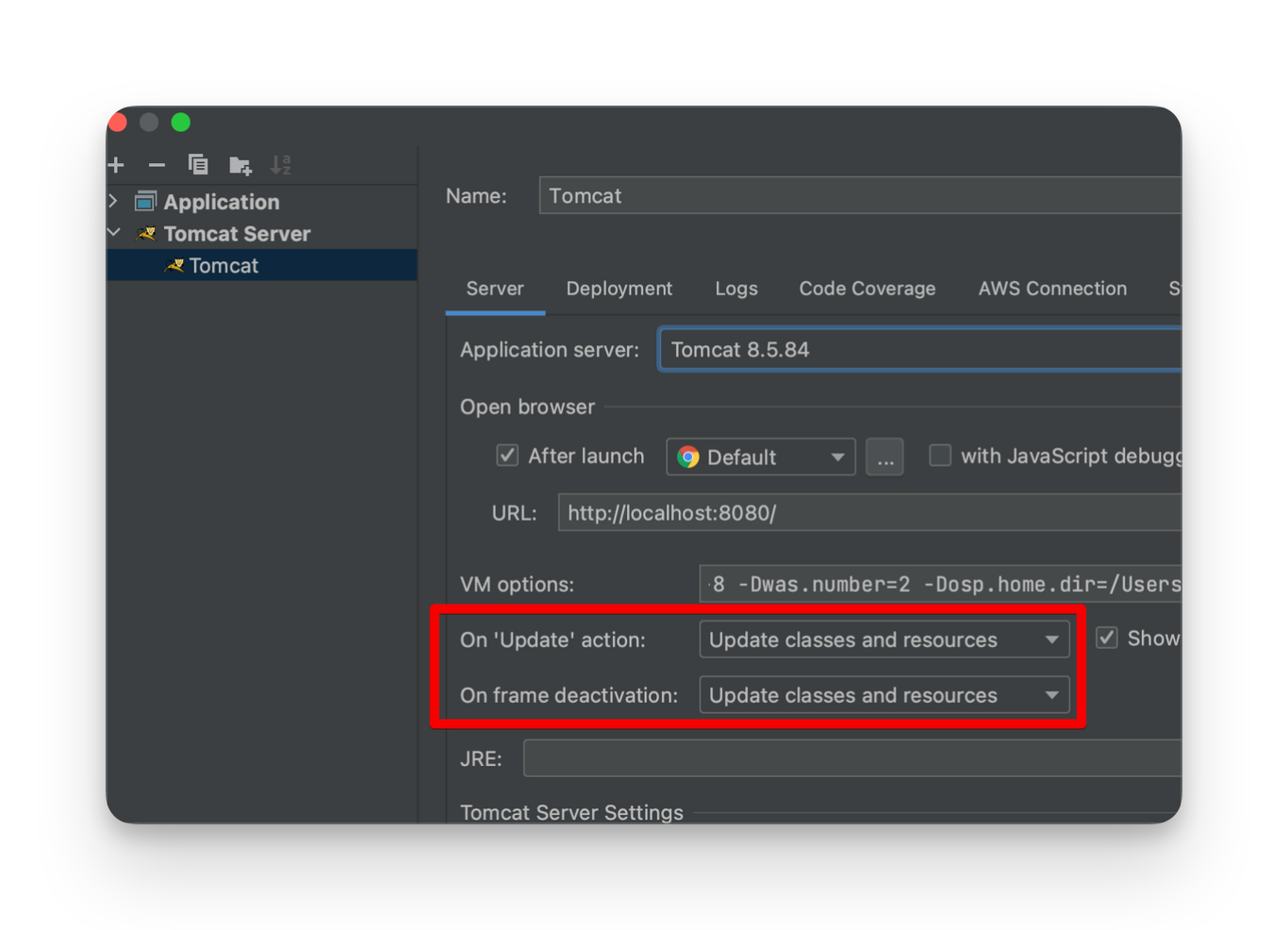
HotSwap 활성화
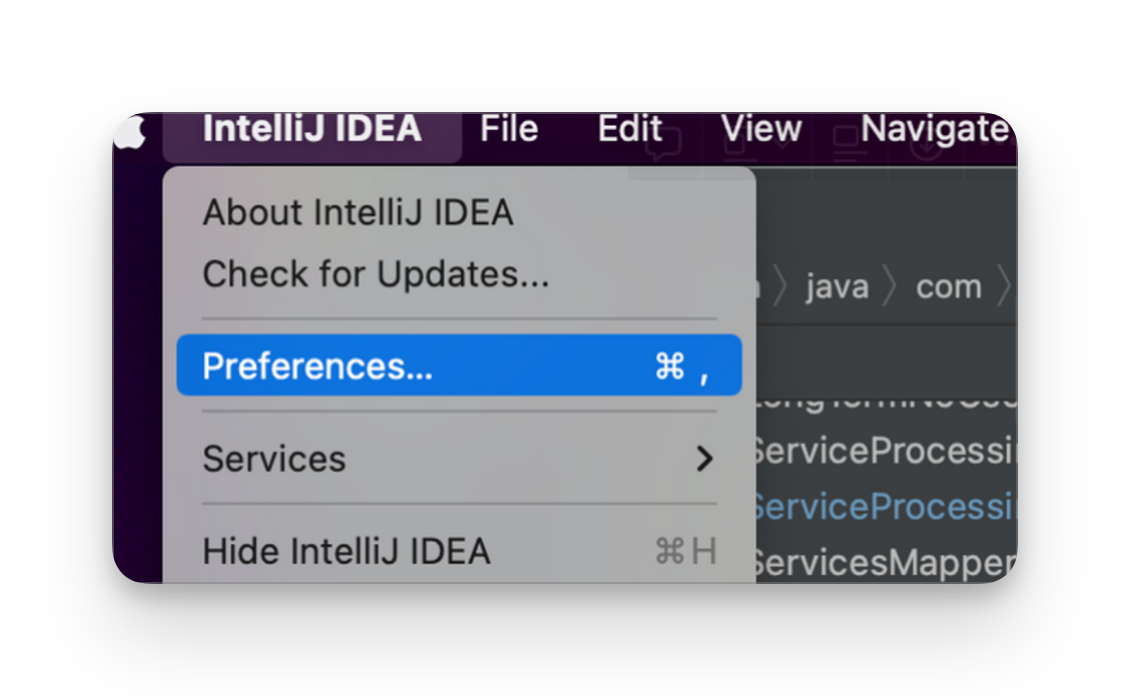
- 상단 메뉴바
IntelliJ IDEA>Preferences(orSettings)
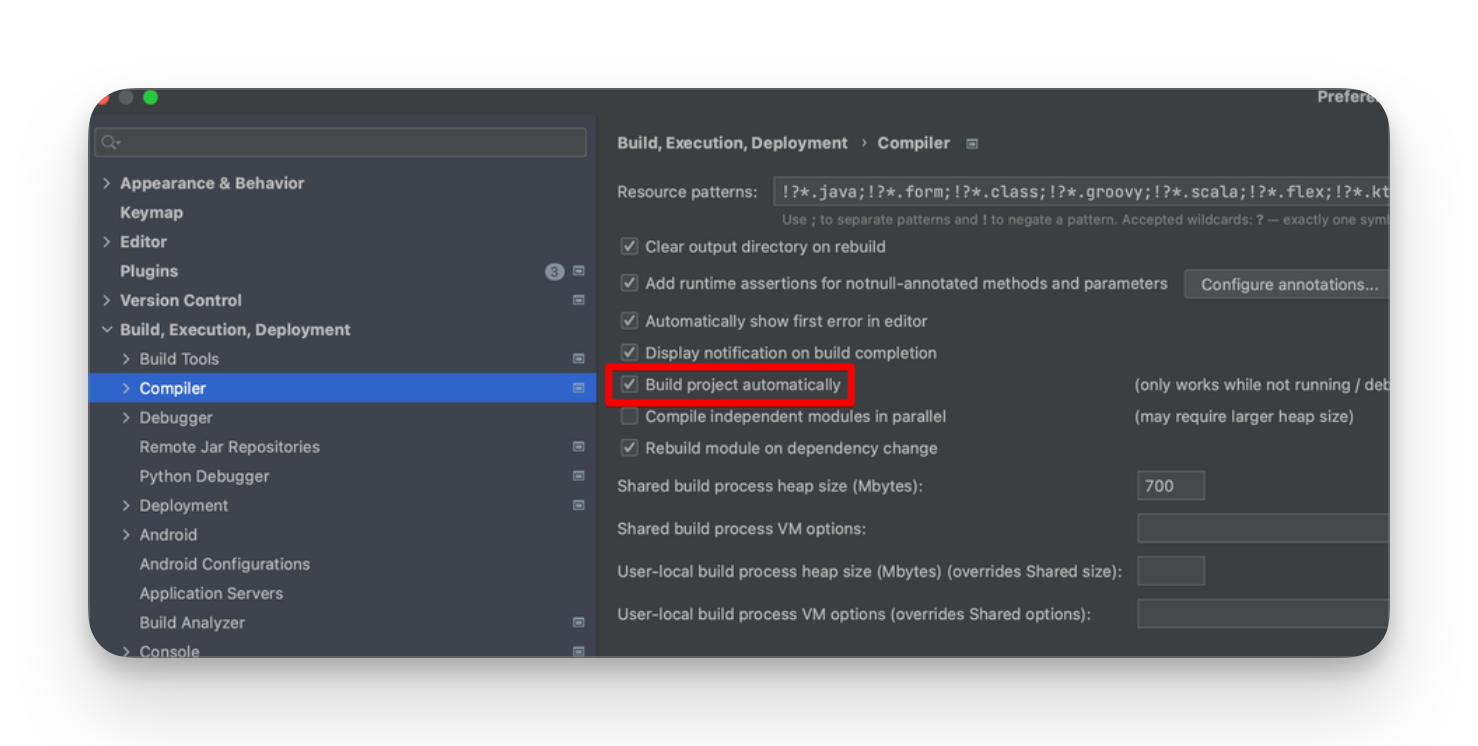
- Build, Execution, Deployment > Complier >
Build project automatically활성화
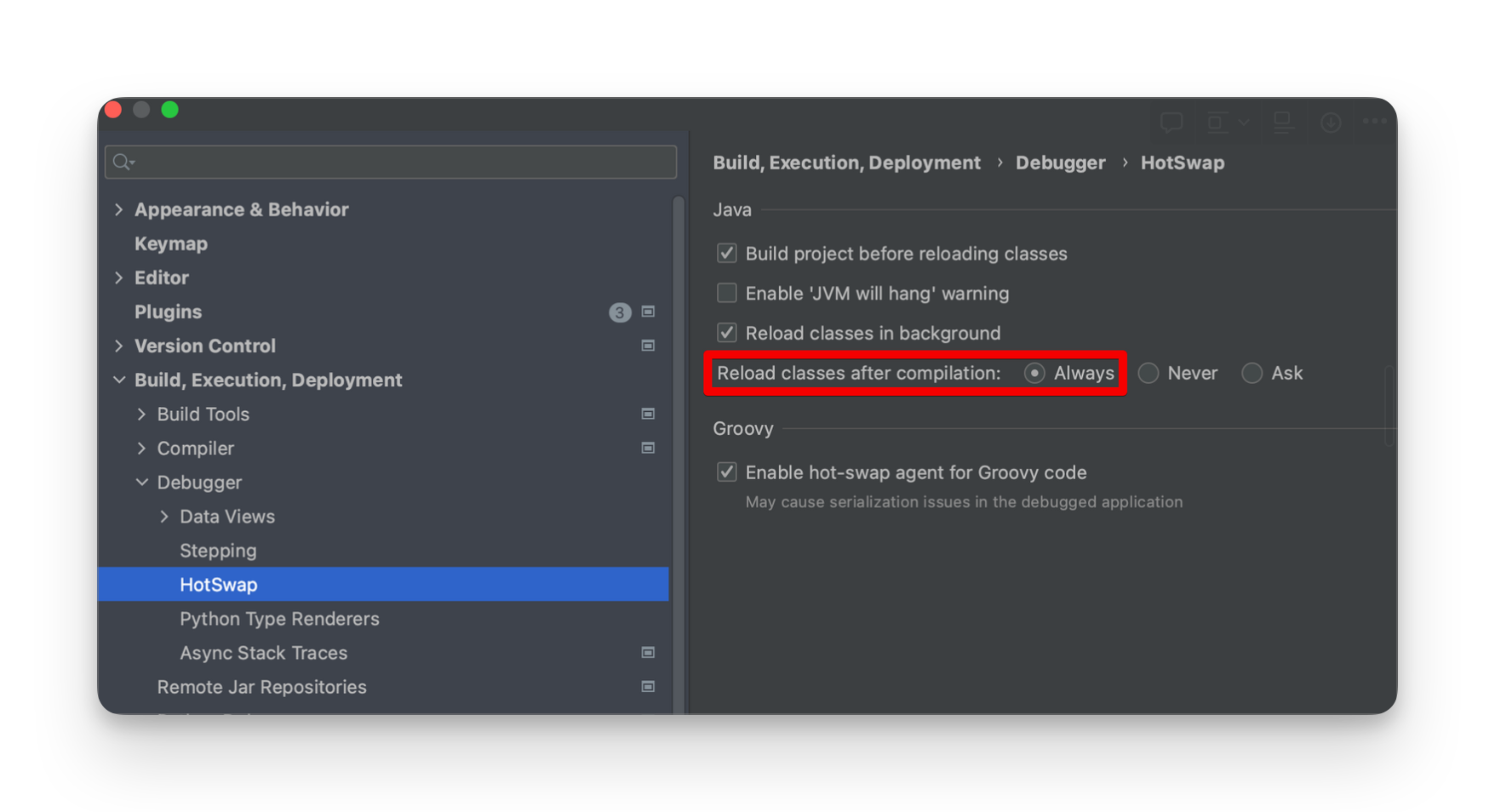
- Build, Execution, Deployment > Debugger > HostSwap > Reload classes after compilation >
Always로 체크되어있는지 확인
shift 두 번 연속(혹은 Win:
Ctrl + Shift + A/ Mac :Shift + Cmd + A)“Registry” 검색 → compiler.automake.allow.when.app.running 활성화 📌 2021.2 버전부터는 Registry가 아닌 Advanced Settings에서 compiler.automake.allow.when.app.running 활성화 가능
Run / Debug Configurations 설정
다시 IntelliJ 우측 상단 [Edit Configurations]
[On ‘Update’ action], [On frame deactivation] 두 항목을
Update classes and resources로 변경